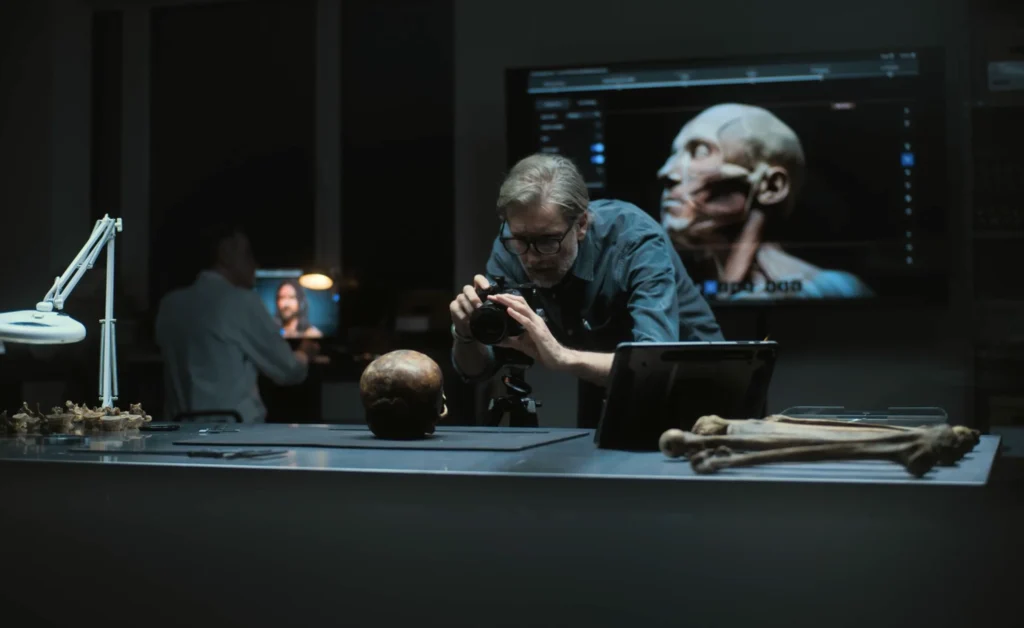
The prevailing habit in generative media is the «prompt-and-pray» cycle. A marketer enters a detailed prompt, reviews the four resulting squares, and—if the results aren’t quite right—rewrites the prompt or hits refresh. While this is an effective way to explore a creative concept, it is an inherently inefficient way to finalize a production-ready asset. For performance marketers who need to iterate ad creatives at scale, the reliance on full-prompt regeneration is a strategic bottleneck.
When a creative director requests a minor change—perhaps a different color for a jacket, a specific product on a table, or a less distracting background—regenerating the entire image via a new prompt is a gamble. You risk losing the specific composition, lighting, and «magic» of the original generation. This is where the shift from generation to surgical editing becomes critical. Transitioning to a workflow centered on an AI Photo Editor allows for the preservation of successful elements while iterating only on the variables that require testing.
The Hidden Costs of Stochasticity
In a production environment, stochasticity—the random nature of AI outputs—is both a gift and a curse. At the start of a campaign, randomness helps discover unexpected visual directions. However, once a «winning» aesthetic is identified, randomness becomes an enemy of scale.
If you are running A/B tests on specific visual hooks, you need to control your variables. If Version A has a model in a park and Version B is supposed to be the same model in a city, but the AI changes the model’s face, clothing, and the camera angle during the prompt regeneration, your test is no longer controlled. You are testing a hundred different variables at once instead of one.
By utilizing an AI Image Editor for regional changes, you maintain the «base» of the asset. You lock in the composition and the talent, then use inpainting to swap the background or the product. This surgical approach ensures that the data gathered from performance metrics is actually attributed to the variable you intended to change.
Regional Editing as a Production Standard
Inpainting and regional editing are often viewed as «cleanup» tools, but in a systems-minded workflow, they are primary production phases. The process usually follows a three-step hierarchy: generation, refinement, and variation.
The generation phase uses high-compute models like Flux or Nano Banana to establish the core vision. Once the base image is selected, the refinement phase begins. This is where an AI Image Editor is used to remove artifacts, fix anatomical errors (like the notorious «AI hands»), or adjust lighting.
The final phase, variation, is where commercial value is truly unlocked. Instead of starting from scratch for every ad size or demographic target, editors can use masks to change localized regions. For instance, a lifestyle photo featuring a coffee cup can be quickly adapted for different markets by inpainting the brand logo or changing the type of pastry on the plate. This is significantly faster than trying to describe the entire scene perfectly in a single prompt for every variation needed.
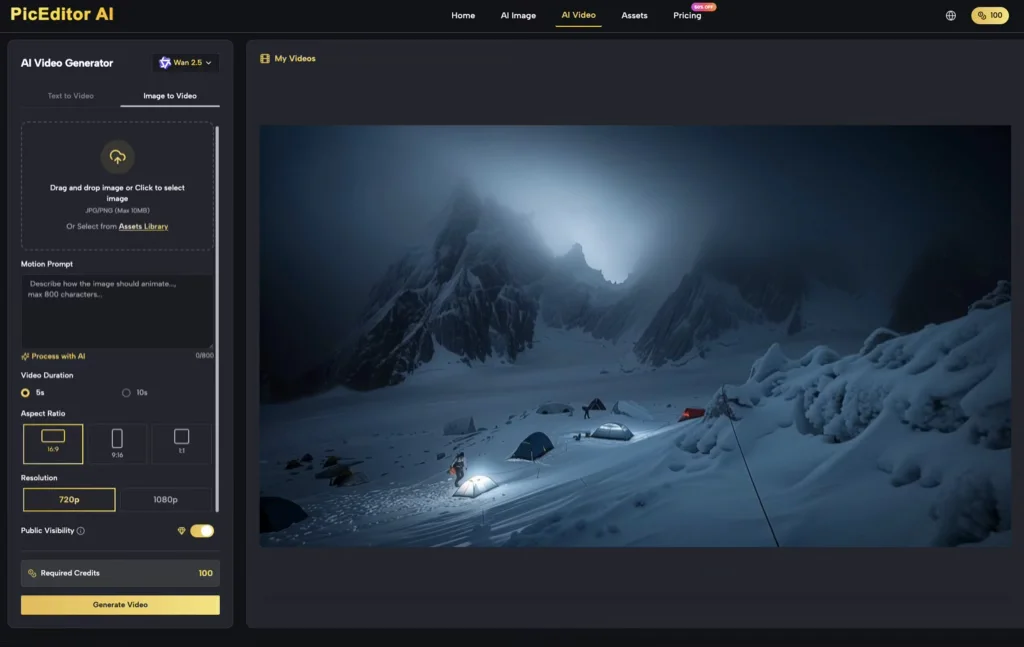
The Technical Reality of Inpainting Limitations
While regional editing is superior to regeneration for consistency, it is not a friction-less process. One significant limitation is the «boundary mismatch» issue. When you mask an area for inpainting, the AI must reconcile the new pixels with the existing ones.
If the mask is too tight, the AI may struggle to blend the lighting and shadows correctly, leading to a «pasted-on» look. If the mask is too large, the model might deviate too far from the original composition. Effective use of an AI Photo Editor requires a practical understanding of how much context to give the model. Often, it is better to mask slightly more of the surrounding area than you think is necessary to allow the AI to calculate the interaction of light and shadow across the new object.
There is also the reality of «hallucination persistence.» If a model is struggling to understand a specific regional request—such as a specific type of complex machinery or a very particular textile texture—repeatedly inpainting the same area often results in the same errors. At this stage, the limitation is the model’s training data, not the editor’s skill. In these cases, shifting to an external image-to-image workflow or a manual Photoshop composite is usually more time-efficient than fighting the AI.
Object Erasure and the «Blank Slate» Strategy
A common mistake in AI-driven production is trying to add elements into a crowded scene. A more efficient «systems» approach is often to use an object eraser first to create a blank, neutral space within the image before attempting to inpaint a new subject.
By clearing the visual field, you reduce the number of environmental constraints the AI has to respect. When you use an AI Photo Editor to remove a distracting background element, you aren’t just cleaning up the shot; you are preparing a clean canvas for the next iteration. This two-step process—erase, then inpaint—provides much higher success rates for complex edits than attempting to «replace» an object in a single pass.
Managing Creative Variations for Ad Performance
For performance marketers, the goal is often to find the «winning» combination of background, talent, and product. Using an AI Image Editor allows for a modular approach to creative.
Imagine a campaign for an outdoor gear brand. You have one high-quality generation of a hiker on a mountain trail. By using regional editing, you can create:
- The hiker in different weather conditions (sun, rain, snow).
- The hiker wearing different colors of the same jacket.
- The hiker holding different pieces of equipment.
This modularity allows a small team to generate dozens of high-fidelity assets from a single «master» generation. It reduces the time spent on prompt engineering and focuses the effort on asset management and performance analysis. However, a moment of uncertainty remains in the color accuracy. Generative models are notoriously poor at following specific hex codes or Pantone requirements. If your brand guidelines require an exact shade of «Forest Green,» the AI will likely get you 90% of the way there, but a final manual color grade will almost always be necessary. Relying on AI for 100% color accuracy in a commercial setting is currently an overestimation of the technology.

Integrating AI Video into the Workflow
The transition from image to video adds another layer of complexity to the iterative process. Tools like Veo 3 or Kling allow for the animation of static images, but the quality of the video is entirely dependent on the quality of the source image.
The most effective workflow involves using an AI Photo Editor to «prime» the image for animation. This involves ensuring that the subjects are clearly defined and that the background is logically structured. If there are artifacts in the static image, the video generator will interpret those as physical objects, leading to «glitchy» movements or morphing.
Iteration in video is significantly more expensive (in terms of time and compute) than in images. Therefore, the «precision iteration» phase must happen at the image level. If the image isn’t perfect, the video won’t be either. Regional editing allows you to fix the «joints» of the image—where an arm meets a torso or where a car meets the road—to ensure the physics of the resulting video remain believable.
The Strategic Shift: From Prompting to Curating
As generative tools become more integrated into professional pipelines, the value of a «good prompter» is declining, while the value of a «good editor» is rising. The ability to look at an AI generation and identify exactly which 15% of the image needs to be changed—and then knowing how to use regional tools to change it—is the hallmark of a production-savvy creator.
We must also acknowledge the «hallucination ceiling.» There are moments when the AI simply cannot «see» what you are asking it to do in a specific region, regardless of how many times you mask and re-prompt. Recognizing when a tool has reached its limit is as important as knowing how to use it. In those moments, the human editor’s role is to pivot: perhaps by changing the angle, simplify the request, or moving to a different model.
Ultimately, the goal of using an AI Photo Editor or AI Image Editor is to regain control over the creative process. It is about moving away from the lottery of full-prompt generation and toward a disciplined, surgical approach to asset creation. For the performance marketer, this isn’t just about making «better» pictures; it’s about building a repeatable, scalable engine for creative testing that prioritizes precision over luck.
Relacionados



Daniel Geyne
Fotógrafo, periodista y columnista en Yaconic. Experto en la escena musical alternativa y subgéneros como el Trip Hop, Metal y Punk Rock. Mi análisis, fundamentado en la Teoría Visual y Cinematográfica (Artes Visuales y Cine), me especializó en desglosar la estética underground. Con la perspectiva insider de mi trabajo en medios (Sabotage) y campañas publicitarias (Audi, Liverpool), te ofrezco una crítica única sobre cómo el arte, la contracultura y la imagen de marca interactúan.