

Rethinking mistakes and pitfalls through AI image editor

The prevailing narrative in generative AI centers on the collapse of time. Marketing teams are told they can now produce launch assets in seconds, replacing week-long photoshoot cycles with a few keystrokes. But for product teams tasked with maintaining brand integrity during a high-stakes launch, this obsession with speed often becomes a liability. When velocity is prioritized over technical control, the result is usually a library of aesthetically pleasing but functionally useless images.
The problem isn’t the underlying models; it is the workflow. Most teams approach generative tools as slot machines—pull the lever, look at the result, and pull again if it isn’t perfect. This “stochastic gambling” is the most common mistake made when integrating tools like Nano Banana Pro into a professional pipeline. To get a launch-ready asset, you don’t need a faster generator; you need a more granular level of intervention.
The speed trap: Why rapid prototyping fails the final asset
When a team is in the “exploration” phase of a product launch, speed is an asset. You want to see fifty different lighting scenarios for a new piece of hardware in five minutes. However, the mistake occurs when the same “shotgun” approach is applied to the final production phase.
In a typical scenario, a designer might use a tool to generate a background for a product. Because the tool is fast, the designer generates 200 versions. By the time they reach version 200, “prompt fatigue” sets in. They settle for an image that is “close enough” but contains minor geometric distortions or lighting inconsistencies that wouldn’t pass a traditional creative director’s review.
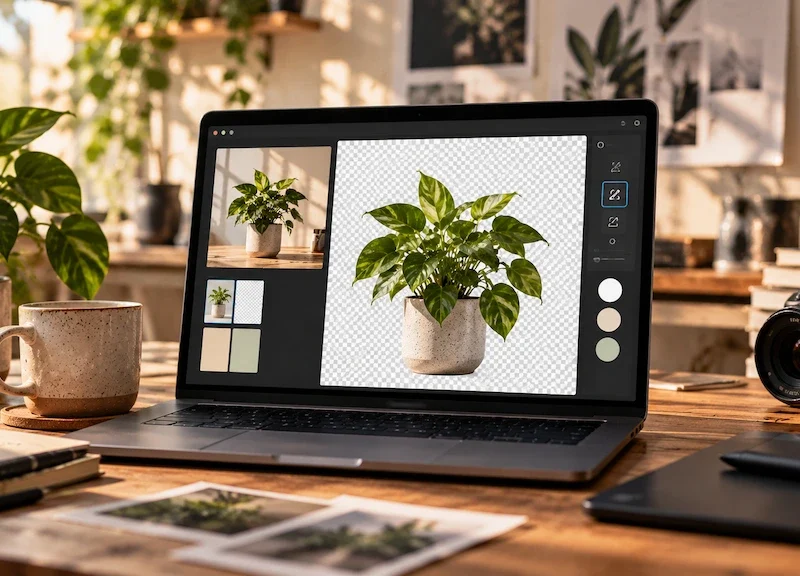
This is where theAI Image Editor serves a different purpose than a standard generator. Instead of asking the machine to try again from scratch, a controlled workflow allows the team to fix the specific 10% of the image that is broken while preserving the 90% that works. Speed creates volume, but only control creates a deliverable.
Mistake 1: Treating Diffusion as a Replacement for Composition
One of the primary pitfalls in AI-assisted workflows is the belief that the AI understands “product hierarchy.” If you prompt for a “luxury watch on a marble pedestal with dramatic shadows,” the AI might give you a beautiful image, but the shadows might technically contradict the watch’s reflective surfaces.
Product teams often make the mistake of accepting these atmospheric wins at the cost of physical logic. In a professional launch, these errors are caught by the audience, even if subconsciously. Using Banana Pro requires an understanding that the AI is a texture engine, not a physicist.
To mitigate this, teams should move away from pure text-to-image for final assets. A more robust approach involves using a base composition—perhaps a low-fidelity 3D render or a rough sketch—and using the Nano Banana workflow to “skin” that composition. This ensures that the scale, perspective, and lighting logic remain grounded in human intent rather than algorithmic probability.
Mistake 2: The Fallacy of the Perfect Prompt
There is a persistent myth that if you just find the “magic” string of words, the AI will deliver a perfect, brand-compliant image every time. This leads teams to spend hours “prompt engineering” when they should be “pixel engineering.”
Prompting is an inefficient way to communicate spatial relationships or specific color grades. If the blue in your generated image is three shades off from the brand’s hex code, trying to fix that with words like “cobalt” or “deep azure” is a waste of time.
Professional workflows using Nano Banana Pro prioritize the canvas over the prompt box. If a color is wrong, you should be using localized editing tools to mask and adjust that specific area. Relying on a prompt to fix a specific detail is like trying to paint a portrait by shouting instructions at a blindfolded artist. It might work eventually, but it isn’t a repeatable professional process.
Limitation: The Boundary of Brand Consistency
It is important to acknowledge a current reality: AI tools are still not great at “memorizing” complex, proprietary brand assets without extensive fine-tuning. If your product has a highly specific logo or a unique physical texture that doesn’t exist in the training data, a general-purpose tool like Banana AI will struggle to replicate it perfectly from a text prompt alone.
Teams often set themselves up for failure by expecting the tool to “know” their brand’s visual language. At this stage, AI is best used for the environment, the atmosphere, and the supplementary elements of a shot, while the core product asset often still requires traditional compositing or highly directed image-to-image refinement.
Mistake 3: Over-Automating the Video Pipeline
As teams move from static images to video for launch social assets, the “speed over control” mistake is amplified. AI video is notoriously difficult to keep consistent across shots. A team might use Nano Banana Pro to generate a stunning hero image and then try to “animate” it using high-motion settings to save time on traditional motion graphics.
The result is often “liquification”—where the product seems to melt or morph as it moves. For a luxury or high-tech product launch, this is a disaster. It makes the brand look cheap and the product look unstable.
The mistake here is failing to use a “multi-stage” approach. Instead of trying to generate a 10-second clip in one go, successful teams generate short, 2-second bursts of controlled movement and then use traditional editing software to stitch them together. Speed in generation must be tempered by a slow, methodical assembly process.
Mistake 4: Ignoring the “Creative Debt” of Credits
In a corporate environment, budget is often tied to credits or GPU time. When a team uses a high-speed, low-control workflow, they rack up “creative debt.” They spend thousands of credits on “near-misses.”
A team using Banana Pro effectively will spend more time on a single image, utilizing the workflow studio to refine masks and adjust depth maps, rather than generating 500 variations of the same prompt. This is not just a matter of cost; it’s a matter of psychological focus. When you know you only have a few “high-quality” attempts, you think more critically about the composition before you hit the generate button.
The Shift to Canvas-Based Thinking
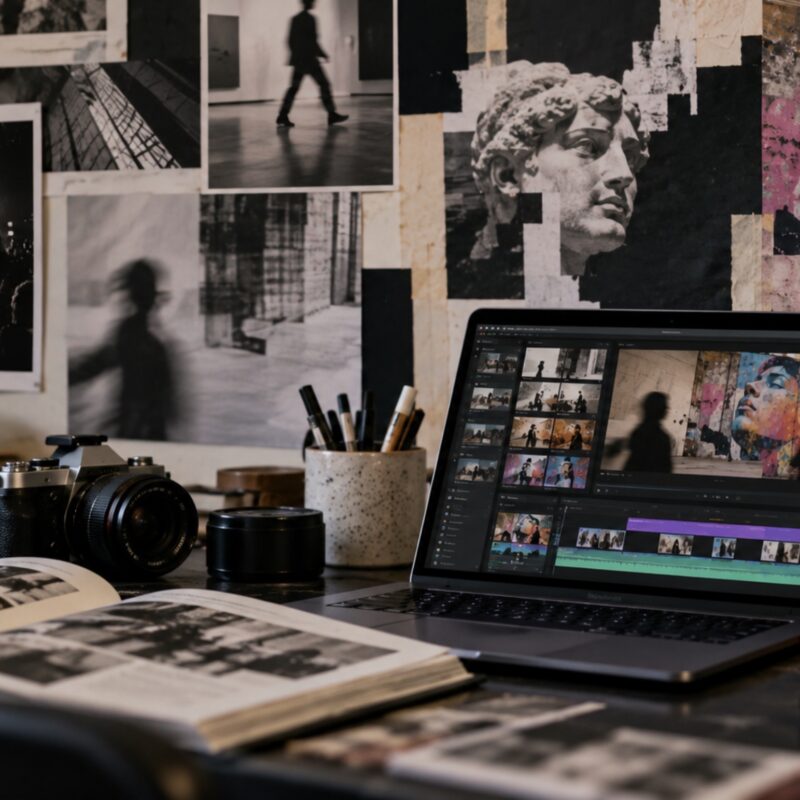
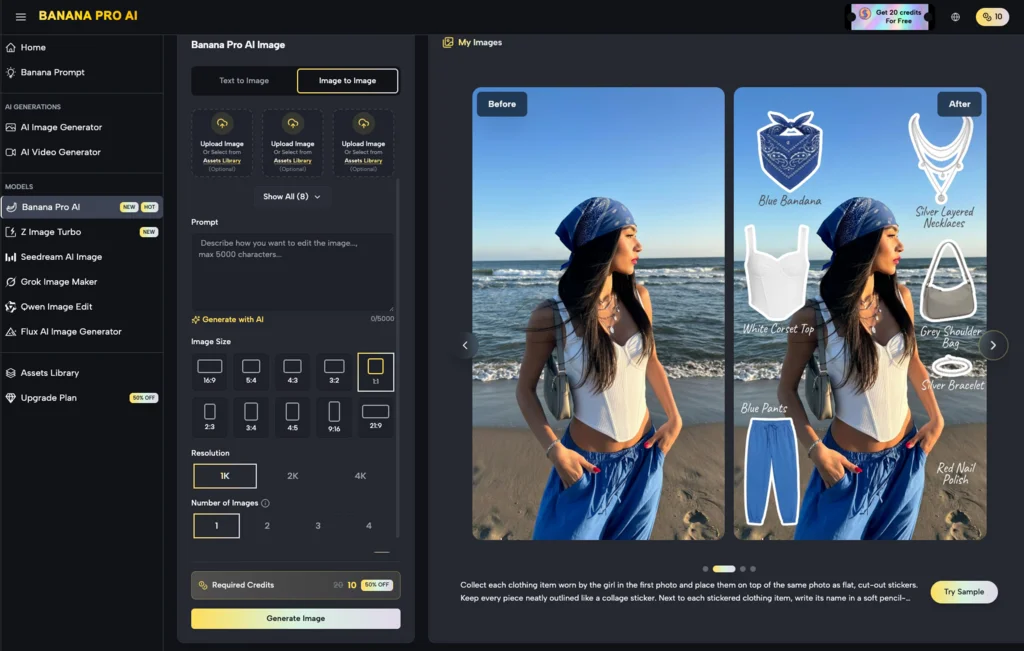
The transition from a “chat box” interface to a “canvas” interface is where most teams struggle. In a canvas-based workflow, like those found in advanced AI Image Editor environments, the user is expected to act more like a traditional editor.
You start with a background. You add a product layer. You generate a “shadow pass.” You use in-painting to fix a stray reflection. This is slower than typing a prompt, but it is infinitely faster than a traditional photoshoot and retouching cycle.
The mistake is trying to treat the canvas like a chat box. Teams often get frustrated because the canvas requires them to make decisions about placement, lighting direction, and focal length—decisions they were hoping the AI would make for them. But the AI’s decisions are based on the “average” of billions of images, which is the opposite of “brand-distinctive.”
Uncertainty: The Evolution of “Control” Features
We are currently in a period of rapid feature flux. What constitutes “control” today—things like Canny edges, depth maps, or pose estimation—may be replaced by even more intuitive spatial tools next year.
This creates a state of uncertainty for product teams. Should you invest weeks in training your designers on a specific Nano Banana Pro workflow if the interface might change in six months? The answer lies in focusing on the principles of composition and lighting rather than the specific buttons. The tech will change, but the need for a product to look “grounded” in its environment will not.
Practical Judgment: When to Use AI and When to Step Away
Not every launch asset should be AI-generated. A common pitfall is the “hammer and nail” problem—once a team has access to a powerful tool like Nano Banana, they try to use it for everything.
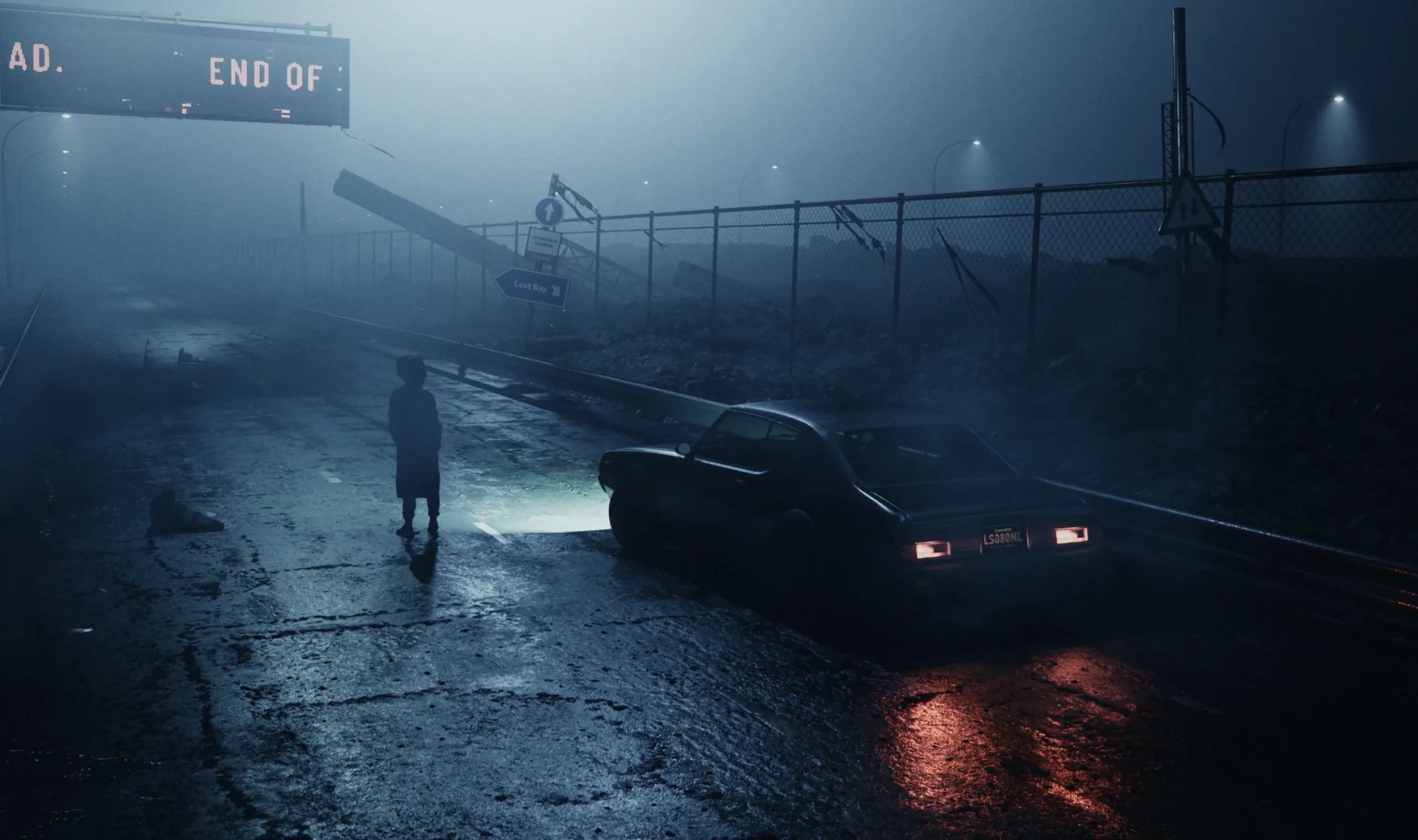
If you need a clean, high-resolution shot of a product against a pure white background for an e-commerce listing, a traditional photo or a 3D render is still the superior choice. AI is currently optimized for “vibe” and “context.” It excels at putting that product in a lifestyle setting—a kitchen at sunset, a foggy mountain range, a futuristic laboratory.
The mistake is trying to force the AI to do “sterile” work. It is a tool of texture and complexity. Using it for simple, high-precision technical drawings often leads to frustration and a loss of time as you fight against the model’s natural tendency to add “visual interest” where none is wanted.
Strategic Advice for Product Teams
To avoid the pitfalls of speed-centric workflows, teams should adopt a “Control-First” manifesto when using Banana AI tools:
- Define the “Non-Negotiables”: Before opening the tool, decide which parts of the image must be 100% accurate (e.g., product dimensions, logo placement) and which parts can be “AI-imagined” (e.g., background textures, ambient lighting).
- Iterate on Components, Not the Whole: Use the internal tools of Nano Banana Pro to build the image in layers. Fix the background first, then the lighting, then the fine details.
- Audit for “AI Tells”: Assign a team member to specifically look for common AI errors—extra fingers on a lifestyle model, floating objects, or “impossible” shadows. These are the things that signal a lack of quality control to a sophisticated consumer.
- Embrace the Hybrid: Don’t be afraid to take an AI-generated background and move it into Photoshop to drop in a real, high-resolution photo of your product. The best launch assets are rarely 100% AI; they are usually a 70/30 split between generative “atmosphere” and human-captured “reality.”
By shifting the focus from “how fast can we make this?” to “how much control do we have over the final output?”, product teams can turn AI from a source of chaotic “near-misses” into a reliable engine for high-end brand storytelling. The tools are ready for professional use, but the workflows often are not. Realizing that the AI Image Editor is a surgical instrument, not a magic wand, is the first step toward avoiding the most expensive mistakes in the generative era.
Speed is a byproduct of a good workflow, not the goal. When you have control overNano Banana and its various output parameters, the speed comes naturally because you aren’t wasting time on a thousand versions that you can’t use. Focus on the control, and the launch assets will follow.