

How to automate your entire content production workflow with SuperMaker AI in 2026

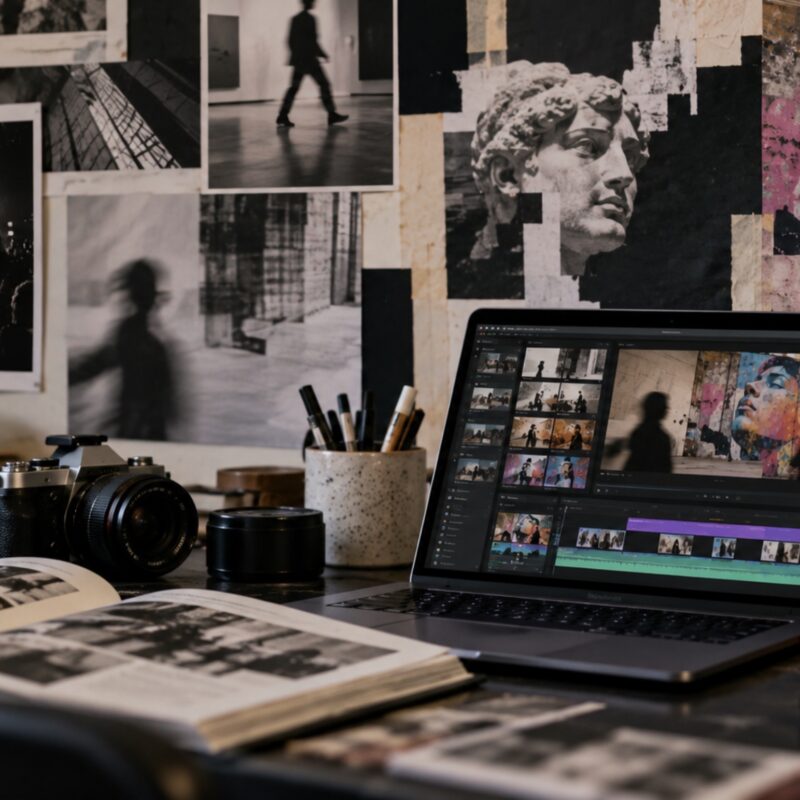
Creating content today often involves much more than developing an idea. A single project may require video generation, voiceovers, background music, thumbnails, and several rounds of exporting before it’s ready to publish. While AI tools have simplified many of these individual tasks, moving between different platforms can still slow down production and interrupt the creative process.
For creators who publish regularly, those repetitive steps can take as much time as the creative work itself. AI Video Maker introduces AI Workflows as a way to organize multiple production stages within a single process, reducing the need to manually move files between different tools.
This guide explains how AI Workflows function, how the platform’s tools connect, and how creators can streamline content production from a single project brief.
Why manual multi-tool workflows are a real problem for creators
Many creators rely on different AI tools for different production tasks. One platform may generate video, another may produce voiceovers, while separate applications are used for background music or thumbnail creation. Although each tool performs its own function well, switching between them often means exporting files, uploading assets again, converting formats, and repeating the same process for every new project.
These additional steps may seem minor on their own, but they can quickly add up for creators publishing videos, tutorials, marketing campaigns, or social media content regularly. Instead of focusing on planning or refining the final result, much of the production process becomes file management.
The traditional approach and why it fails
A common solution has been to build a personal collection of specialized tools, using one platform for each stage of production. The workflow usually involves exporting a video, uploading it into a voice generation tool, downloading the narration, importing it into another application for background music, and creating thumbnails separately before everything is assembled.
While this approach offers flexibility, it also introduces unnecessary repetition. The challenge is rarely the quality of the individual tools; it is the amount of coordination required between them.
How SuperMaker AI solves this problem
AI Workflows — Automate the entire production pipeline
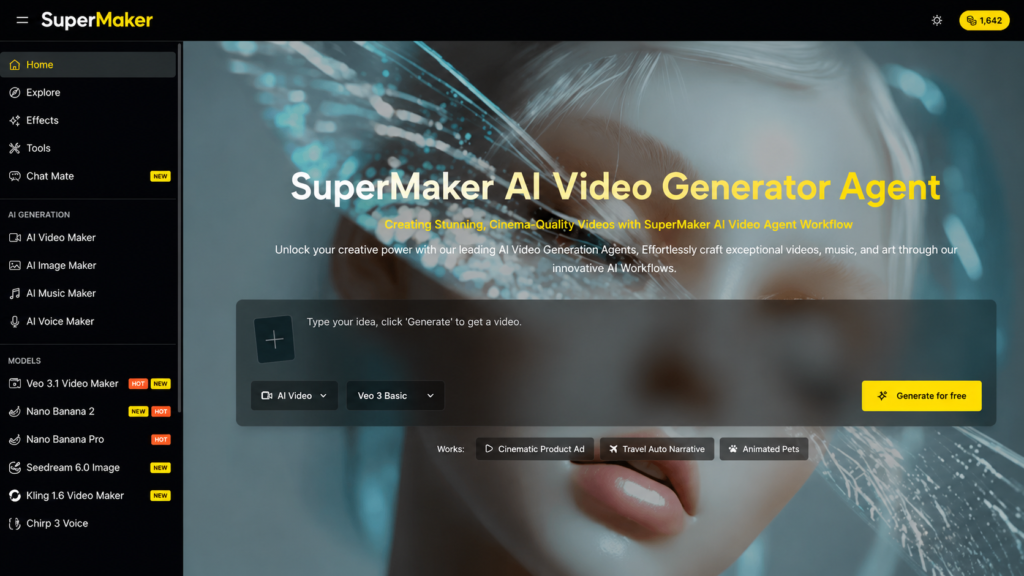
AI Workflows is a feature in SuperMaker AI that connects multiple production stages into a single workflow. Rather than moving between separate applications, users can generate a video, add narration, create background music, and produce a thumbnail all within the same project.
Instead of exporting and re-importing files between each stage, the workflow passes assets automatically from one step to the next. Project settings such as prompts, voice preferences, music style, and output format remain connected throughout the process, reducing repetitive setup while keeping users in control of the creative decisions.
The result is a more organized production workflow that minimizes manual file handling without changing the way creators plan or review their content.
AI Video Maker + AI Voice Maker
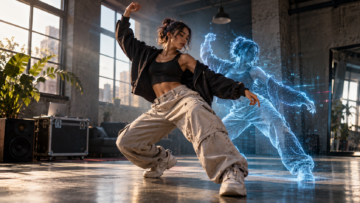
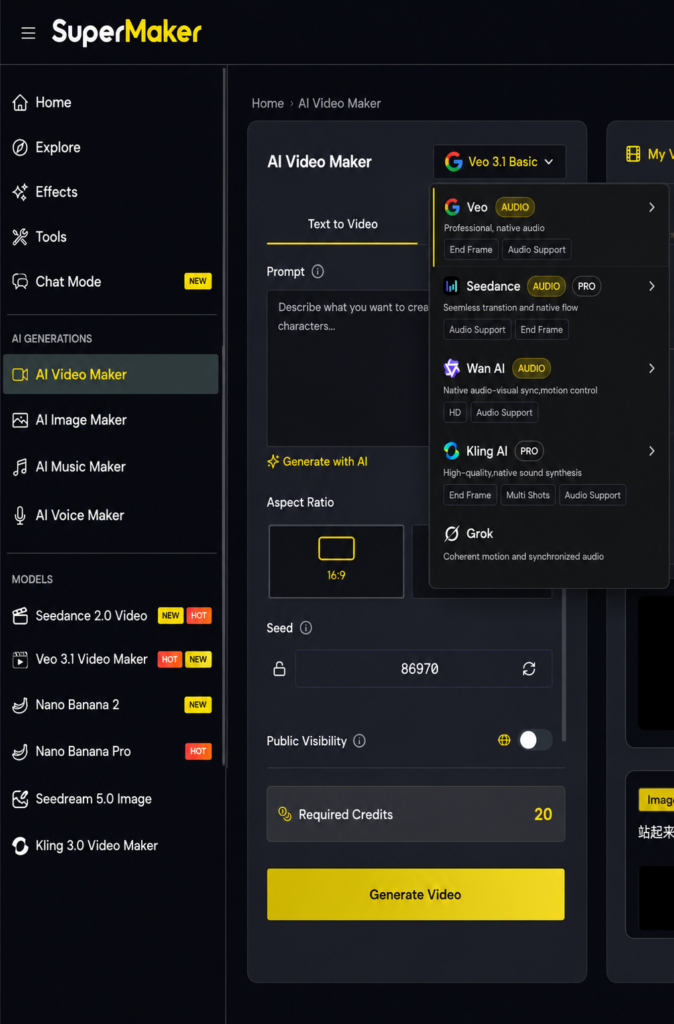
Within an AI Workflow, the Video Maker and Voice Maker work as consecutive stages of the same production process. The workflow begins by generating a video using one of two available models: Veo (Google), which is designed for photorealistic visuals, or Kling, which is commonly used for more stylized and animated content. The choice between them depends on the type of project and the visual style creators want to achieve.
The Video Maker supports both text-to-video and image-to-video generation, along with multi-scene storyboard creation. It also allows content to be generated in multiple aspect ratios, including 16:9, 9:16, and 1:1, making it easier to prepare assets for different publishing platforms.
Once the video has been generated, the workflow continues automatically with the Voice Maker. This stage supports text-to-speech generation in more than 50 languages and includes a variety of voice styles to match different types of content. It also offers automatic lip synchronization for compatible videos, helping align narration with on-screen characters when needed.
Because both tools are connected within the same workflow, users do not need to manually export, upload, or synchronize files between the video and voice generation stages.
AI Music Maker + AI Image Maker
After narration has been added, the workflow continues with Music Maker and Image Maker to complete the remaining production assets.
The Music Maker generates a royalty-free background track based on the selected mood or style and integrates it into the project automatically. This helps creators produce videos with a more complete presentation while reducing the need to source music separately.
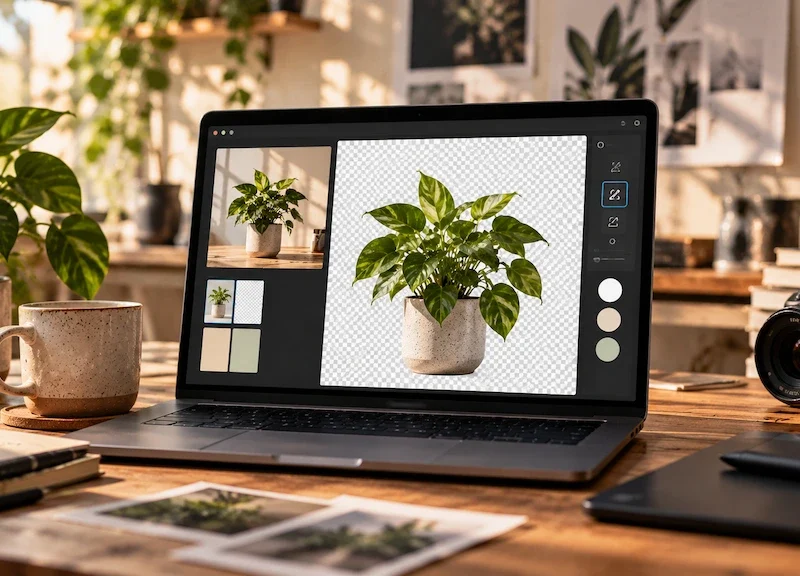
The Image Maker creates a thumbnail based on the project’s visual content, generating a 16:9 image that can be used for platforms where preview images play an important role, such as YouTube or online courses. Because these assets are generated within the same workflow, they remain visually consistent with the rest of the project.
Running an AI Workflow in under 5 minutes
Step 1 — Open AI Workflows and define your brief
Navigate to AI Video Maker and click AI Workflows from the left navigation menu. Select a workflow template that best matches your production goal, whether you’re creating a YouTube video, a social media reel, a podcast episode, or a marketing campaign.
Next, enter your project brief, including the topic, target audience, tone, and any creative preferences that will guide the generation process.
Step 2 — Configure each step in the sequence
Review the workflow before generation begins and adjust the settings for each stage. Depending on your project, you can customize:
- the video generation model (Veo or Kling)
- voice language and narration style
- music mood or genre
- thumbnail settings
- aspect ratio
Since every stage is already connected, these adjustments focus on creative preferences rather than manually rebuilding the production pipeline for each project.
Step 3 — Run the workflow and download your package
Click Run to begin the workflow. Each stage is processed in sequence, allowing you to preview the generated assets as they become available. If necessary, individual elements can be regenerated without restarting the entire project.
Once every stage has finished processing, download the completed content package from the shared library, including the generated video, narration, background music, and image assets for publishing or additional editing.
Real-world use cases
YouTube creators
For creators who publish on a regular schedule, AI Workflows can simplify many of the repetitive production tasks involved in each upload. Instead of generating videos, recording narration, selecting music, and creating thumbnails separately, these steps can be completed within a single workflow, making it easier to maintain a consistent publishing routine.
Marketing teams
Marketing teams often produce recurring content for product launches, promotions, social media, and advertising campaigns. By reusing the same workflow template, they can maintain consistent branding while updating only the project brief and creative direction for each new campaign.
Educators and course creators
Educational content usually follows a structured format, making it well-suited to workflow automation. AI Workflows can help generate narrated lessons with consistent voice settings, visual formatting, and supporting assets across multiple modules, reducing repetitive production work.
Frequently asked questions
Is AI Workflows available on the free plan?
Yes. AI Workflows is available to users on the free plan. The included starter credits can be used to test workflow features, although longer or more complex projects will require additional credits.
Can I customize individual steps within a workflow?
Yes. Each stage can be configured before generation begins. Users can adjust settings such as the video model, voice style, language, music mood, aspect ratio, and output length to better match the needs of a specific project.
Do AI Workflows support different content formats?
Yes. Workflow templates are available for several types of content, including YouTube videos, social media reels, podcast episodes, marketing campaigns, and e-learning materials. Additional templates may be introduced as the platform evolves.
Conclusion
Producing content often involves much more than generating a video. Narration, music, thumbnails, and file management are all part of the production process, and completing those steps manually can become time-consuming for creators who publish regularly.
AI Workflows bring these stages together into a connected production process, allowing users to manage video generation, voiceovers, background music, and supporting visual assets from a single workflow. Rather than replacing creative decision-making, this approach helps reduce repetitive production tasks and keeps projects organized from start to finish.
For creators, educators, and marketing teams looking to simplify recurring production workflows, SuperMaker AI provides a practical way to combine multiple content creation tools within one platform. As with any creative workflow, the final results still benefit from human review and refinement, but automation can make the production process more efficient and easier to manage.
To explore how the workflow operates in practice, you can try SuperMaker AI and see how its connected tools fit into your own content production process.
Redacción
Daniel Geyne
Fotógrafo, periodista y columnista en Yaconic. Experto en la escena musical alternativa y subgéneros como el Trip Hop, Metal y Punk Rock. Mi análisis, fundamentado en la Teoría Visual y Cinematográfica (Artes Visuales y Cine), me especializó en desglosar la estética underground. Con la perspectiva insider de mi trabajo en medios (Sabotage) y campañas publicitarias (Audi, Liverpool), te ofrezco una crítica única sobre cómo el arte, la contracultura y la imagen de marca interactúan.