

A Better AI Image Workflow Starts After the First Generation
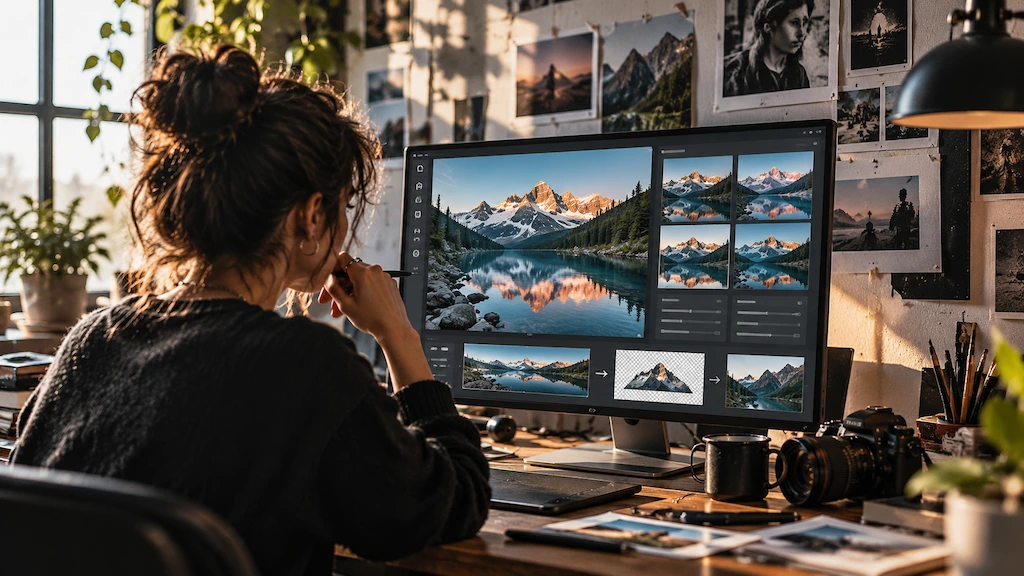

AI image tools are often judged by the first result they produce. That makes sense in a demo, but it is not how most creative work happens.
A usable image usually goes through several decisions after generation. The crop may be wrong for a banner. The background may need to come out for a product listing. A client may ask for one element to change while everything else stays intact.
For content teams and independent creators, the useful question is not simply whether AI can make an image. It is whether that image can be adjusted, reused, and moved into the next task without starting over.
Start with what is already working
Plenty of image tasks begin with an existing asset, not a blank prompt box. You might already have a product photo, a campaign visual, a portrait, an illustration, or a generated image that is almost right.
In that situation, image-to-image editing is often the more practical route. The source image gives the model context, while the prompt tells it what should change.
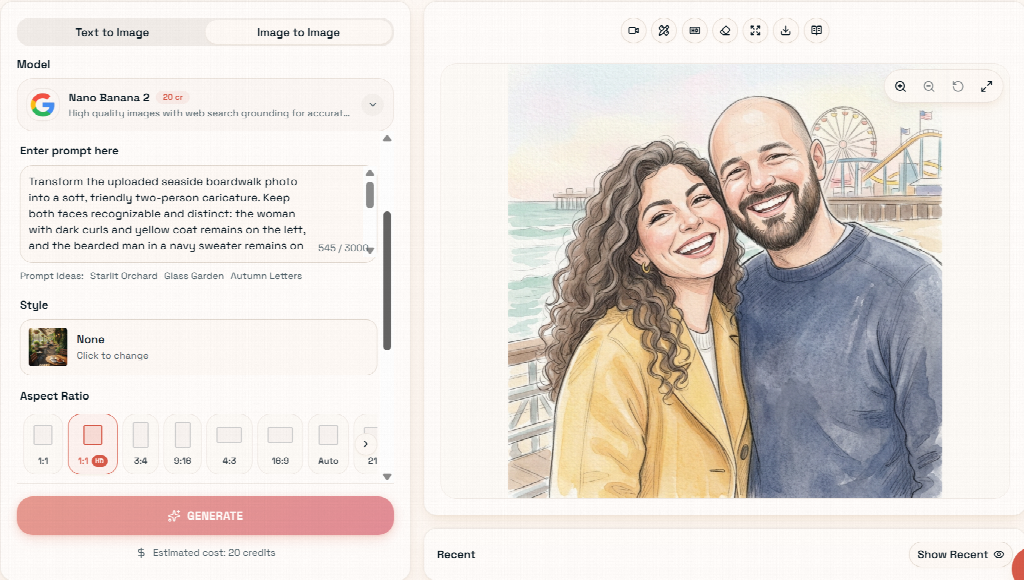
Pixlio takes this approach with its AI image editor. You can upload a reference image, describe the edit in natural language, choose an available model, generate the result, and keep refining it. If you need to create a source image first, text-to-image generation is available in the same workspace.
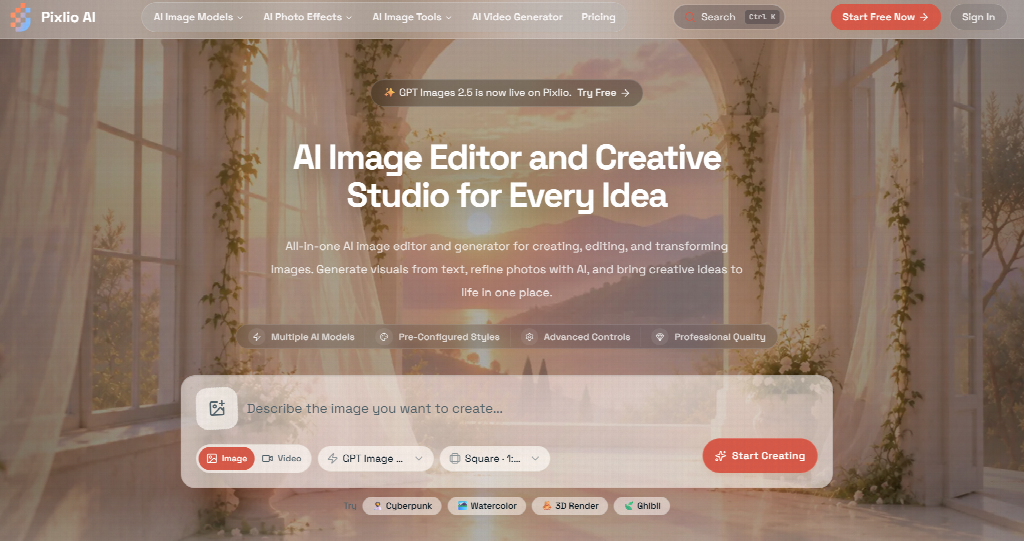
Creative work rarely follows a neat sequence. Sometimes you generate first and edit later; sometimes you start with a real photo and only need a focused change. Keeping both options close together reduces tool-switching.
Give the model an editing brief, not a vague wish
Prompt quality still matters, but editing prompts do not need to sound clever.
The strongest instructions usually read like notes you would send to a designer. Instead of asking for a “better product image,” say what should actually happen: keep the packaging unchanged, replace the background with a bright kitchen counter, use soft daylight, and leave open space on the right for copy.
Specificity gives the model a clearer target and makes the result easier to judge. You know what changed, what stayed consistent, and what needs another pass.
It also helps to revise in smaller steps. If the composition works but the lighting does not, change the lighting. If the scene is right but the subject feels too small, adjust the framing. Rewriting the whole prompt every time can introduce changes you never wanted.
That simple habit can turn AI image editing from trial-and-error into a more repeatable process.
Keep approved images moving
A common source of wasted time is the gap between one image task and the next. You finish an edit, download the file, open another tool, upload it again, find the right settings, and repeat.
Pixlio reduces some of that handoff work by letting a generated result become the starting point for the next action. You can bring the image back into editing, or send it into a specialized workflow such as upscaling, background removal, canvas extension, or video creation.
Each task still has its own controls. What matters is continuity: the image you just approved can carry forward instead of becoming a dead-end export.
That is especially useful during campaign production. A hero image may need one more edit, then a wider version for a landing page, then a clean subject cutout for a marketplace listing. The creative direction stays consistent while the asset changes shape for each use.
Use focused tools when the job is obvious
General-purpose editors are flexible, but they are not always the fastest option. When the task is narrow, a case-based tool can make more sense.
AI Outpainting is a good example. Say you have a strong portrait or product shot, but the frame is too tight for a website banner. Rather than rebuilding the image, you can extend the canvas and guide what should appear beyond the original edges. It is a practical way to adapt one visual to another placement without discarding the composition you already like.
Background Remover handles a different problem. It isolates the subject and creates a transparent cutout for ecommerce listings, thumbnails, decks, ads, or reusable brand assets. Once the subject is separated, it can be dropped into several layouts without repeating the masking work.
Pixlio also offers an AI Book Cover Generator, built around details such as genre, synopsis, and mood. For authors or publishers, that makes more sense than starting with an empty prompt and inventing the whole process from scratch.
Tools like these make Pixlio feel closer to an AI image creative studio than a single editing feature. The platform is organized around recurring creative jobs, not just one general-purpose canvas.
Build a workflow you can return to
The most useful AI setup is rarely the one with the longest feature list. It is the one that makes routine revisions less expensive in time and attention.
A product workflow might begin with an existing photo: make the main visual change, review it, remove the background for one placement, extend the canvas for another, then upscale the final version.
A publishing workflow may differ. You could generate a concept, revise the composition, reopen it after feedback, and create alternate formats without losing the original direction.
The AI image editor supports that kind of iteration by allowing results to be edited again and recent creations to be reopened for further work. That matters because feedback rarely arrives at the perfect moment. A project may be “finished” until someone asks for a wider crop, a different background, or another variation two days later.
Keep judgment with the person doing the work
A smoother workflow does not make review less important. AI-generated and AI-edited images still need a human check before publication.
Look closely at product details, text inside the image, faces, hands, logos, and anything else that could alter the meaning or credibility of the asset. Commercial work also needs the usual checks for brand fit, channel requirements, and usage rights.
The real advantage of a good AI image workflow is not that it removes creative judgment. It makes revision cheaper.
When an image can move from one task to another without constant restarting, teams can test more directions, respond to feedback faster, and reuse stronger ideas across more formats. Pixlio’s mix of reference-led editing, repeatable revisions, and case-based tools supports that messy middle of creative production, not just the first impressive result.
Redacción
Agatha Vega
Columnista de cultura alternativa y crítica. Con background en Comunicación por la Universidad Iberoamericana y 9 años de trayectoria en El Universal, Remezcla y Cultura Inquieta, mi enfoque es el análisis profundo de la contracultura y el arte contemporáneo. Te ofrezco la lectura más rigurosa de los movimientos culturales que moldean nuestra época.